Tesla software update causing problems? In 2026, many U.S. owners are reporting hidden issues like screen freezes, charging errors, and Autopilot glitches. Discover the 6 common problems and simple fixes every Tesla driver should know before the next update.
Why Tesla Software Updates Sometimes Cause Unexpected Problems in 2026:
Tesla vehicles are known for their advanced technology and regular software updates. Unlike traditional cars, Tesla continuously improves vehicle performance, safety features, and user experience through over-the-air updates.
But while updates often bring new features, some Tesla owners in the United States have reported unexpected problems after installing certain software updates.
From temporary screen glitches to autopilot warnings, these issues can confuse drivers and even affect daily driving.
If you recently updated your Tesla and noticed something unusual, you are not alone. In this guide, we explain the most common Tesla software update problems reported in 2026, why they happen, and what Tesla owners can do to fix them.
Why Tesla Software Updates Sometimes Cause Issues:
Tesla releases multiple updates each year to improve vehicle systems.
Popular models like the Tesla Model 3, Tesla Model Y, and Tesla Model S regularly receive improvements through over-the-air updates.
However, software updates can sometimes introduce temporary bugs because:
- vehicles use complex AI systems
- millions of vehicles receive updates at different times
- hardware versions vary between models
Even advanced systems occasionally need adjustments after updates.
Common Tesla Software Update Problems in 2026:
Tesla owners in the U.S. have reported several issues after recent updates.
| Problem | What Drivers Notice | Possible Fix |
|---|---|---|
| Touchscreen lag | Screen responds slowly | Restart vehicle system |
| Autopilot warning | Sensors temporarily disabled | Camera recalibration |
| Navigation glitches | Map location inaccurate | Update maps or reboot |
| Bluetooth issues | Phone disconnecting | Re-pair device |
| Charging display error | Incorrect charging stats | Software reset |
Most of these problems are temporary and usually resolved by restarting the system or installing the next update.
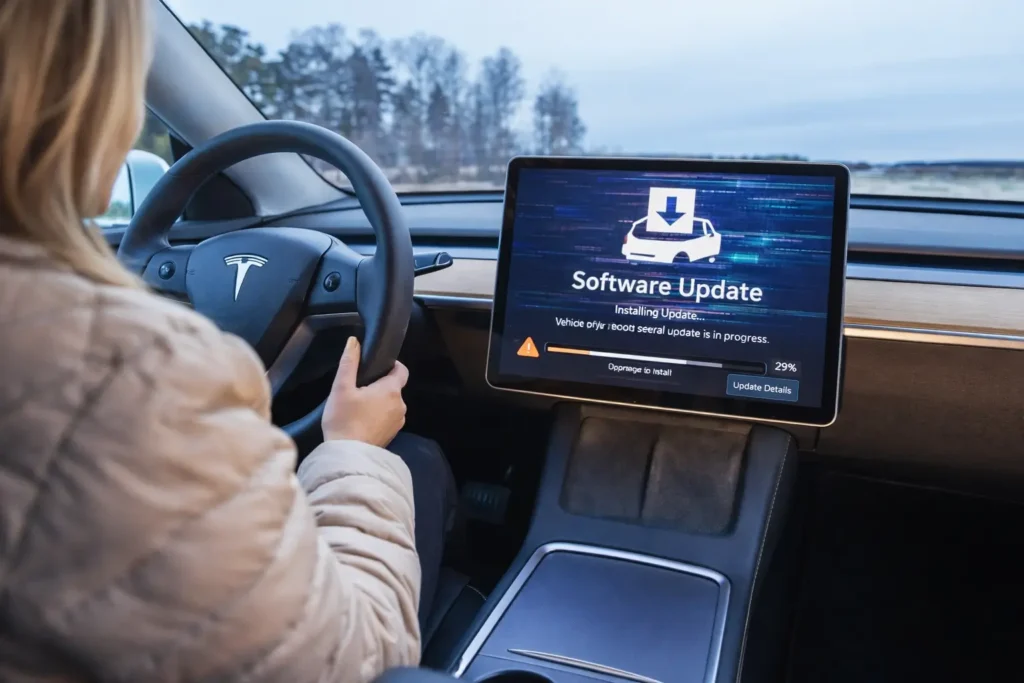
6 Hidden Tesla Software Update Issues Owners Report:
Here are some problems drivers sometimes notice after updates.
1. Touchscreen Freezing or Lagging:
Tesla vehicles rely heavily on the central touchscreen for most controls.
After a software update, some drivers notice:
- slower screen response
- frozen menus
- delayed navigation commands
Quick Fix: Tesla Software
Press and hold both steering wheel scroll buttons for about 10 seconds to restart the screen.
This simple reboot often solves the problem.
2. Autopilot or Safety Warning Messages:
Some drivers receive temporary autopilot warnings after updates.
Possible reasons include:
- camera recalibration
- sensor reset
- software compatibility checks
These warnings usually disappear after driving 20–50 miles while the system recalibrates.
Read this Article:
- Tesla Battery Replacement Cost in USA 2026
- Tesla Motor Repair USA 2026: Real Cost Breakdown
- Tesla Out of Warranty Repair Cost in USA 2026?
$0 electricity bill USA solar panel https://t.co/UrKBZ8rvmT#USA #solarpanel pic.twitter.com/ICljMPXXvX
— Mohammad Farman 🇮🇳 (@farmanturk001) March 15, 2026
3. Battery Range Display Changes:
Some Tesla owners become worried when they see their estimated driving range change after an update.
However, this usually happens because the update improves the battery management system.
Reasons range numbers may change:
- updated battery algorithms
- improved efficiency calculations
- driving behavior adjustments
In most cases, actual battery performance remains the same.
4. Bluetooth or Phone Connectivity Problems:
Software updates can sometimes affect smartphone connectivity.
Drivers may notice:
- phone disconnecting frequently
- music streaming interruptions
- delayed call connections
Simple Solution
- remove phone from Tesla settings
- reconnect Bluetooth
- restart the vehicle system
This usually restores normal connectivity.
5. Navigation or Map Errors
Some Tesla owners report navigation glitches immediately after an update.
Examples include:
- incorrect traffic information
- map display issues
- GPS position delays
These problems are usually fixed automatically when the system downloads updated map data.
6. Charging Information Display Errors:
Occasionally, Tesla drivers notice incorrect charging statistics after a software update.
This may include:
- wrong charging time estimates
- incorrect battery percentage display
- unusual charging graph behavior
These display issues are usually temporary and corrected by the next update.
Watch this Video:
How Tesla Owners Can Fix Software Update Problems:
If your Tesla behaves differently after an update, there are several steps you can take.
Quick troubleshooting checklist:
- restart the touchscreen system
- reconnect Bluetooth devices
- check for a new update
- drive the vehicle to allow sensor recalibration
- contact Tesla support if problems continue
These steps solve most minor software issues.
When Should Tesla Owners Contact Support?
While most update problems are temporary, some situations require professional assistance.
Contact support if:
- autopilot remains disabled for several days
- screen stays frozen after multiple restarts
- charging system behaves abnormally
- warning lights remain active
The Tesla service team can diagnose software issues remotely in many cases.
Tesla Software Updates: Benefits vs Risks
Despite occasional glitches, software updates remain one of Tesla’s biggest advantages.
Key benefits of Tesla updates:
- improved safety features
- better autopilot performance
- new entertainment apps
- improved battery efficiency
- bug fixes and security updates
Unlike traditional vehicles, Tesla cars continue improving even years after purchase.
Final Thoughts
Tesla software updates play an important role in improving vehicle performance, safety, and user experience.
Although some drivers may notice temporary glitches after updates, most issues are minor and easily fixed.
Understanding the common problems and knowing how to troubleshoot them can help Tesla owners avoid unnecessary stress and keep their vehicles running smoothly.
In most cases, Tesla releases follow-up updates quickly to resolve any bugs, ensuring drivers continue to enjoy the advanced technology their vehicles offer.
FAQ? Tesla Software
1.Can Tesla software updates cause problems?
Yes, some updates may introduce temporary glitches such as touchscreen lag or connectivity issues, but these are usually fixed quickly.
2.How do I restart my Tesla screen?
Press and hold both steering wheel scroll buttons for about 10 seconds until the screen restarts.
3.Do Tesla updates affect battery life?
No. Updates may change how range is displayed but typically do not reduce actual battery capacity.
4.How long does Tesla autopilot recalibration take?
After some updates, sensors may recalibrate while driving and usually complete within 20–50 miles.
5.Should I install Tesla updates immediately?
Most updates are safe and recommended because they improve safety, performance, and features.